Restaurant operations • Google reviews
Restaurant Google reviews, answered and shared with the team.
A reply fixes one guest. The team hearing it fixes the next table. Gid drafts the reply you publish, shows the themes that keep coming back, and sends the lesson to the chat, the tasks and the training.
No contract. No commitment. No credit card.
Our job is to earn our place on your floor, not to lock you in.
Last updated September 24, 2026
Gid
Founders rate • Lifetime$29 $89 USD per location per month
- Tasks, schedule and team chat in one app
- Continuous training tuned to your menu
- Daily reports that surface what matters
- An AI assistant that knows your documents
- Your whole team in. Adding people never raises your bill.
First 250 worldwide • rate locked, no contract
Why reviews stop at the reply
A review nobody on the floor reads changes nothing
Most restaurants answer reviews from the owner's phone, late at night. The people who could fix the problem never see them.
Reach
The floor never sees them
Reviews land in the owner's inbox. The server who earned the praise and the cook behind the cold plate hear about it weeks later, if ever.
Repeats
The same complaint, again
Slow bills in March, slow bills in May. One review at a time, nobody sees that it is the same problem.
Tone
Replies written tired
A reply typed at midnight after a hard service can read as defensive, and it stays public under your name.
Follow-through
The fix is never written down
Everyone agrees to do better at the pass. Nobody owns it, and a week later nobody remembers who said what.
Training
The lesson stays abstract
A new server learns the steps of service from a binder, not from what a guest actually felt at your tables.
Locations
One listing per location
Each location has its own Google listing, and checking every one of them becomes one more job.
What a review needs
Eight things to do with a review, and where each lives in Gid
A checklist for any restaurant, with how Gid handles each line.
| What it needs | In Gid |
|---|---|
| A reply, in your voice | Gid suggests a reply you can edit before publishing, and you publish it to Google yourself. Reply settings hold your house rules, added on top of Gid's defaults: the tone, the sign-off, the number an unhappy guest can call. |
| No review left unanswered | Filter on the reviews that need action, or by stars, and see how many are unreplied and your response rate beside the rating. |
| The pattern behind the reviews | Strengths and pain points across your last 50 reviews, with the trend in negative mentions against the period before. |
| The team hears it | Discuss a review in the team chat, or turn it into an announcement for everyone who needs to hear it. |
| Someone owns the fix | Create a task from the review, or attach it to a task that already exists, so the fix has an owner and a due time. |
| New hires learn from it | Link a review to a training as a real example. The learner sees the stars and the comment, never the reviewer's name. |
| Everyone knows how you are doing | Each employee's dashboard shows the latest reviews of their location and the rating Google shows, read only. |
| Every location | Connect the Google account that manages your listings, then match each Gid location to its Google listing. |
How it works in Gid
From a new review to a better service
Three moves, one app, nothing copied from one place to another.
Step 1
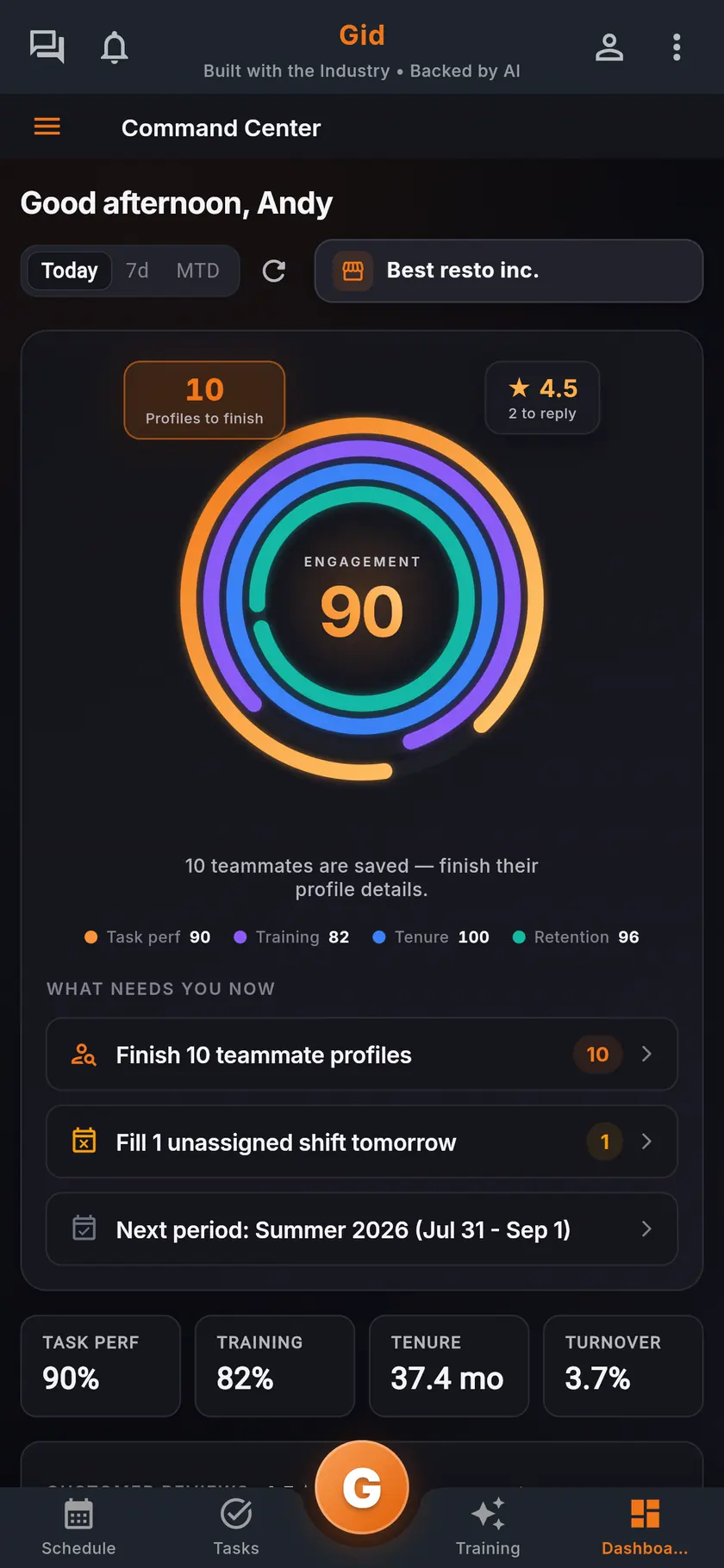
See what needs a reply
The command center shows the rating and how many reviews wait for a reply. Open the Reviews hub, filter on what needs action, and start with the lowest stars.
Step 2
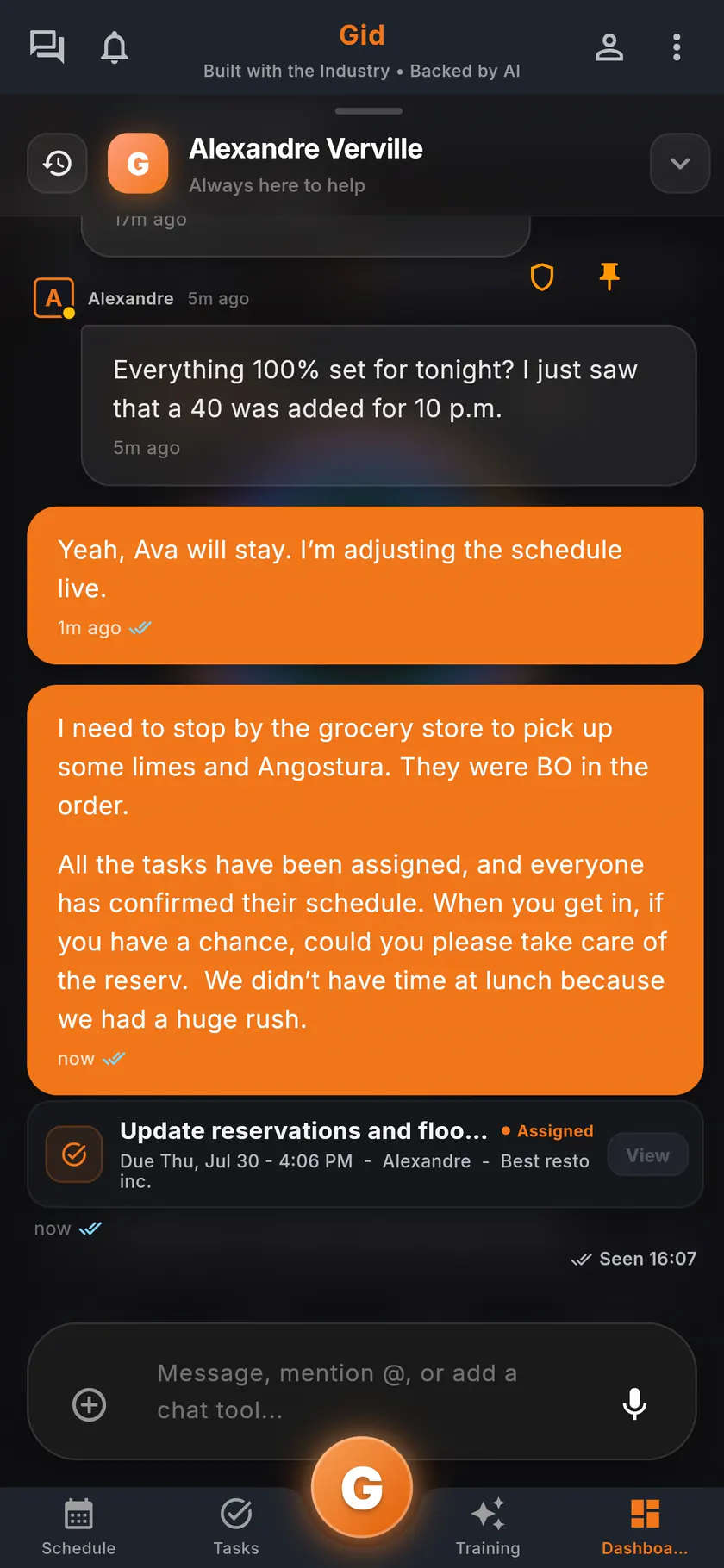
Bring it to the team
Publish your reply, then discuss the review in the team chat or send an announcement, so the servers and the kitchen hear what the guest said.
Step 3
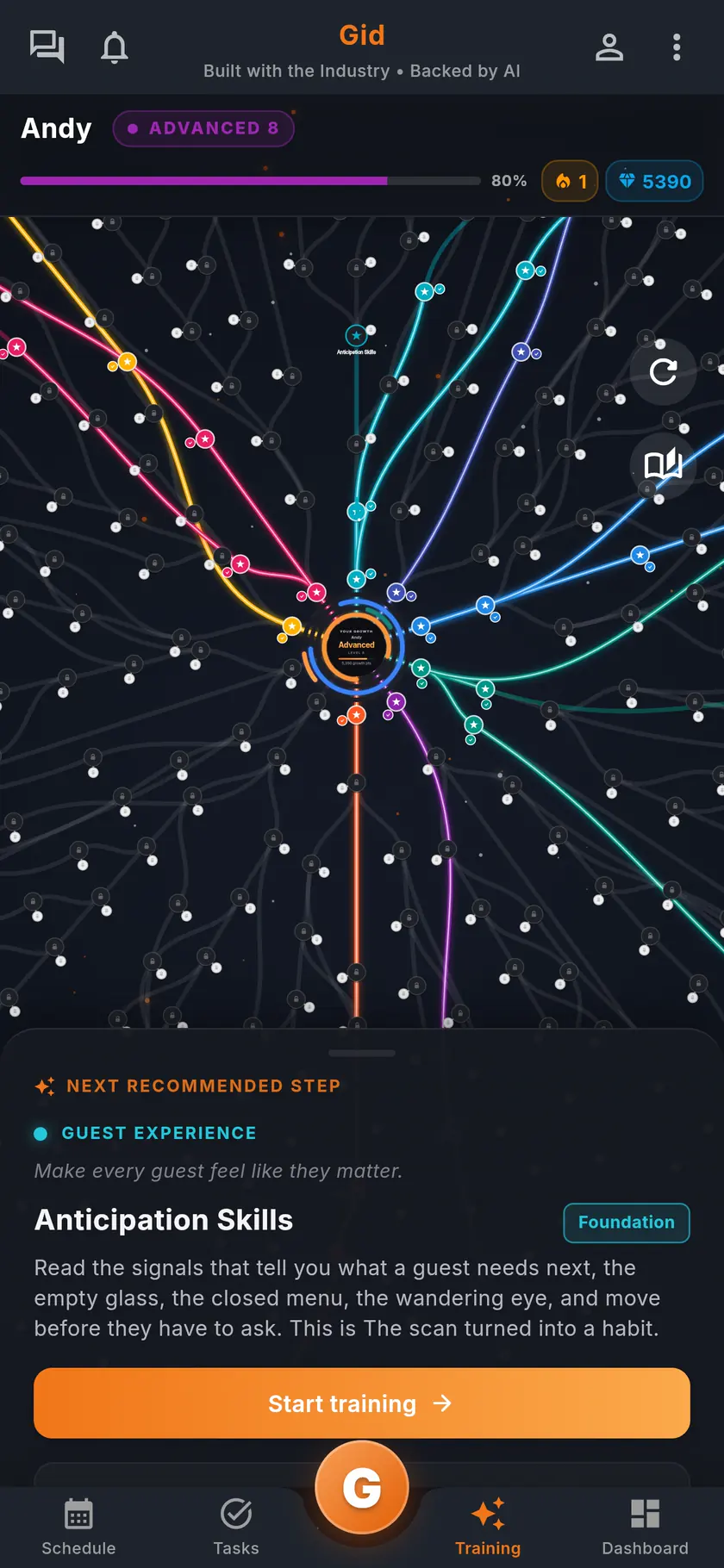
Fix it and teach it
Create a task from the review so the fix has an owner, and link the review to a training so the next new hire learns from a real guest.
A real review
A two-star review on a Tuesday, in Gid
An example of one review, handled once in the app instead of in several places.
The review
Great food, twenty minutes for the bill
A guest praises the food and complains about the wait for the bill. The owner opens the review in the Reviews hub the next morning, drafts a reply with Gid, shortens it and publishes it.
The team
Heard before the next service
The owner discusses the review in the team chat with the floor team, and the manager creates a task from it: present the bill within minutes of the last plate, on the closing servers' checklist.
The weeks after
The pattern tells you if it worked
Service speed stays among the pain points as long as unhappy guests keep mentioning it, so the team can see whether the fix held.
The stack you have today
Six apps that do not talk to each other, or one that does
Nothing here is a knock on any specific tool. It is what happens when the schedule, the tasks, the training, the chat, the documents and the guest reviews were never built to know about each other.
6 apps 6 logins 6 bills
- SchedulingThe week is posted, the swaps still happen by text.
- Tasks and checklistsA missed closing task shows up the next morning.
- Onboarding and trainingNew hires learn from whoever is on shift.
- Team chatShift talk buried between personal texts.
- Documents and menusRecipes and SOPs lost in folders and binders.
- Google reviewsReplies go out, the lesson never reaches the team.

Gid
One app on iOS, Android and the web
1 app 1 login 1 price
- Scheduling
- Tasks and checklists
- Onboarding and training
- Team chat
- Documents and menus
- Google reviewsReply drafts, recurring themes, lessons for the team
$29 USD per location per monthWhole team included
First 250 worldwide • rate locked, no contract
The honest part
When you may not need this, and what Gid does not do yet
Not every restaurant needs a reviews workflow. Here is when yours does not.
You may not need this if
- You get a handful of reviews a year and answer each one yourself.
- You work the floor every service and already tell the team what guests said.
- Your guests leave their reviews somewhere other than Google.
Limits of Gid today
- Gid reads and answers Google reviews only. Other review sites are not connected.
- Gid never posts a reply on its own. A person publishes every reply.
- Reply suggestions use AI and ask for your consent first. The themes are counted from the words guests use, not written by a model.
- Gid POS and Gid Reservations are listed as coming soon. They are not in your hands yet, and we will not bill you for them until they are.
- The free workspace brings you plus one helper. Bringing the full team means a paid location.
Questions, answered
Can Gid reply to Google reviews automatically?
No, on purpose. Gid suggests a reply in the reviewer's own language, following your Reply settings, and a person edits and publishes it. Nothing is posted on its own.
Can my team see our Google reviews?
Yes. Each employee's dashboard shows the latest reviews of their location and the rating Google shows, read only. You can also discuss a review in the team chat, turn it into an announcement, or link it to a training.
How does Gid find recurring issues in reviews?
Gid groups what guests mention, such as food quality, service speed, cleanliness or value, into strengths and pain points across your last 50 reviews, and shows the trend against the period before.
Who can reply to reviews in Gid?
Owners and executives can by default. Replying is a permission you can give to a position, such as your general manager, and the Reply settings that shape Gid's drafts follow the same permission.
Does Gid work with several locations?
Yes. Connect the Google account that manages your listings, then match each Gid location to its Google listing in Manage locations.
What does Google reviews in Gid cost?
$29 USD per location per month at the Founders rate, $89 USD at the public rate, with your whole team included; adding people never raises your bill. The Reviews hub, the team chat, the tasks and the training are the same app, at the same price.
About this page
Who wrote it, and what Gid is
Written by the Gid team
Members of the Gid team owned and operated restaurants before building software. The eight-point checklist above is free to reuse. If your team needs something it misses, tell us at contact@gidai.ca.
What Gid is
One connected operations app for restaurant teams: scheduling, tasks, team chat, continuous training, onboarding, performance evaluations and an AI assistant grounded in your own documents. One price per location, whole team included.
Make every shift lighter.
Set up your workspace and try every part of Gid on your own. When you know it earns its place, your team rides in next.
No contract. No commitment. No credit card.